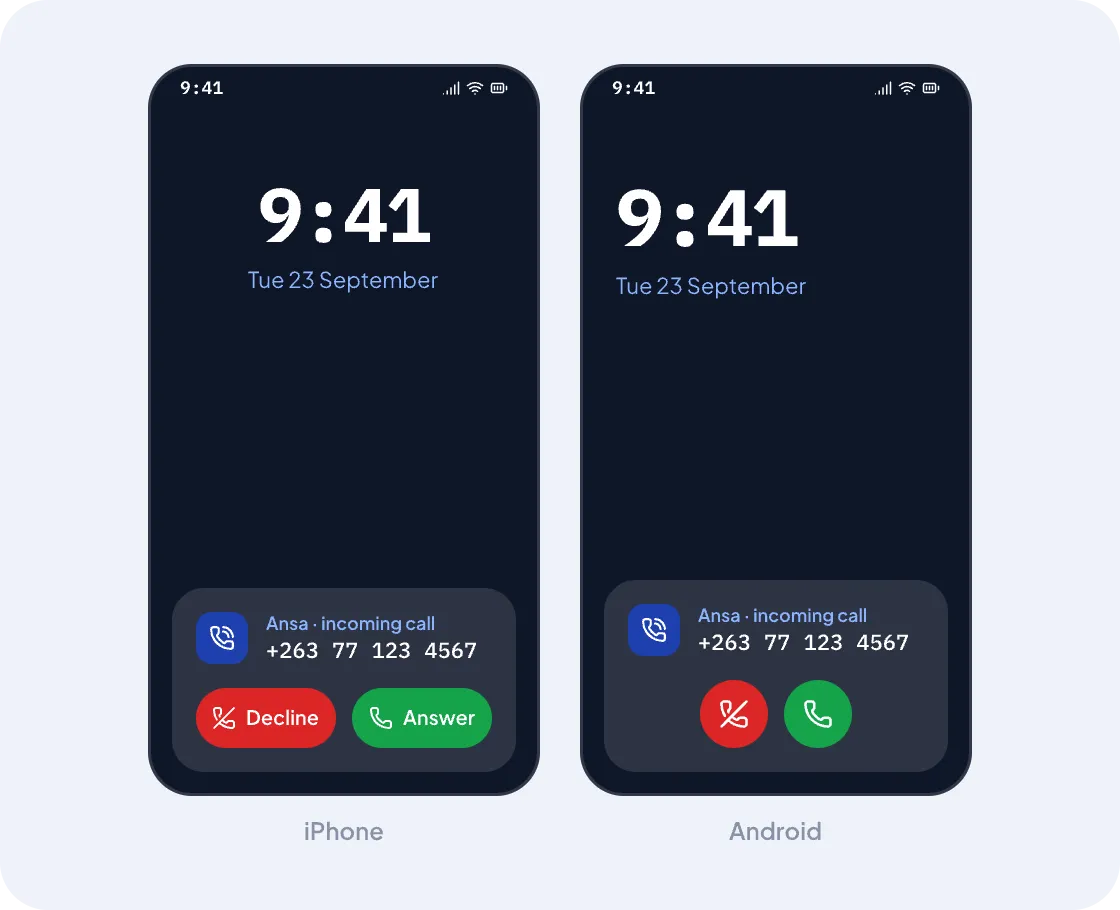
Everyone's phone rings at once
Add people to a group — the front desk, the whole shop — and a call rings all of them together. Whoever is free picks up. It works when the app is closed and the phone is locked, just like a normal call.
No desk phones, no technician, no wiring. Your team installs an app, and your business number rings on all of their phones.

Just your business name and email. We send you a six-digit code — no passwords, ever.
Choose from the list we offer. It's yours from day one, and it shows when you call customers.
Send each person an invite by email or SMS. They tap the link, install the app, and they're ready.
Type a greeting, choose who rings, and set your business hours. You can change it any time.
Every call follows the same simple path, and you decide each step from your dashboard.
The first person to answer takes the call, and everyone else's phone stops ringing.
Add people to a group — the front desk, the whole shop — and a call rings all of them together. Whoever is free picks up. It works when the app is closed and the phone is locked, just like a normal call.
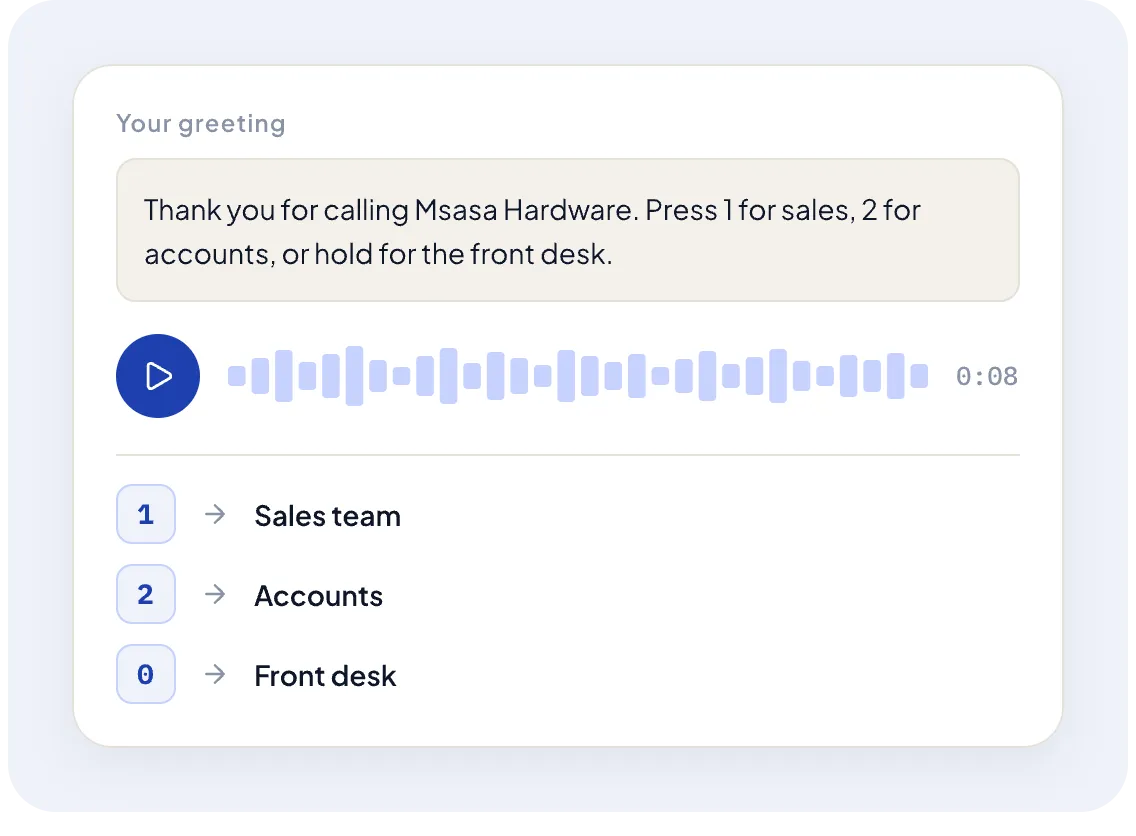
Type what callers should hear and pick a voice. Ansa turns it into speech, and you can hear it before you save. Callers can press a number, or dial a colleague directly if they know who they want.
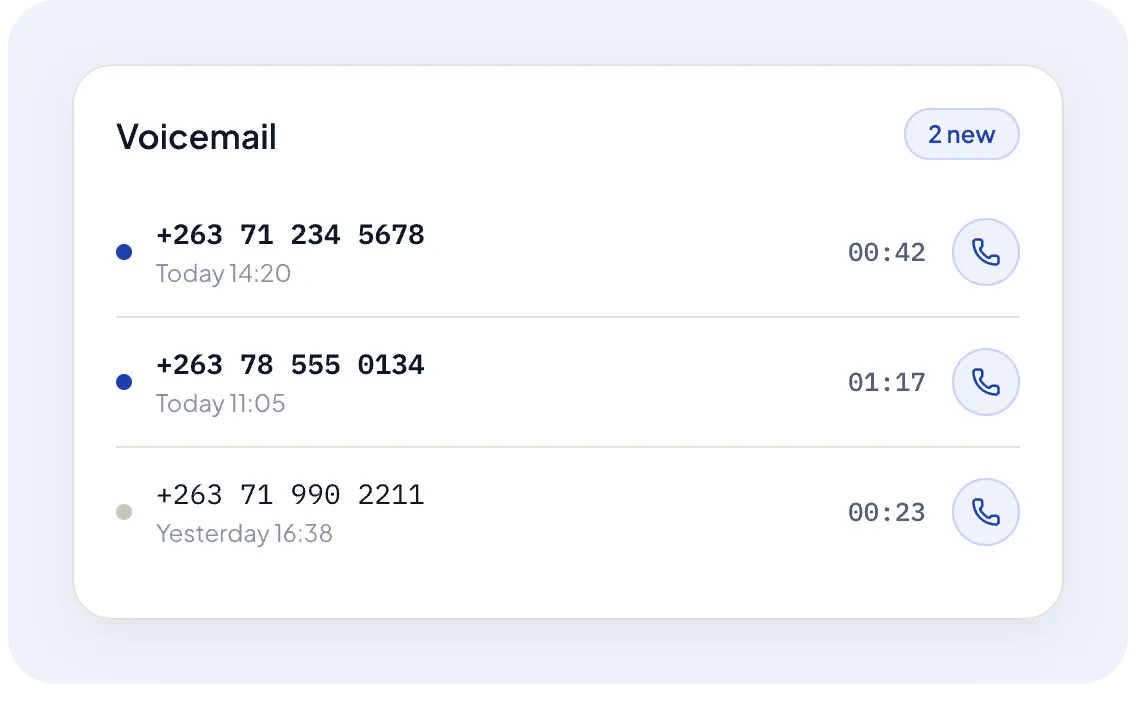
If nobody answers, the caller leaves a voicemail. You can play it in the app, get it by email, or call back in one tap. Every call — answered or missed — is in your history.
Every plan includes minutes each month — 30 on Basic, 100 on Pro, 500 on Enterprise.
Need more?150 for $6300 for $11500 for $17
We'll let you know at 80%, and when you run out your team can still call each other and receive calls.
A smartphone for everyone who answers.
iPhone or Android.
Wi-Fi or mobile data.
Calls use data, not airtime.
EcoCash or a Visa card.
After your free month.
Some Android phones stop apps in the background. Ansa checks your phone and walks you through the one setting that keeps calls ringing. Read how
No. Ansa runs on the phones your team already has.
Not yet. Every business gets a new Ansa number when it signs up.
The others still ring. If nobody answers, the caller leaves a voicemail.
No. Calls travel over Wi-Fi or mobile data. Outside calls use your Ansa minutes.
Can I call emergency services with Ansa?
No — Ansa can't reliably reach emergency services or share your location. Always use your mobile's normal dialler for emergencies.
Any time, from the dashboard. Changes apply to the next call.